
- Copy the iframe code that you want to place on the page.
- Make sure it includes < iframe src = “URL” >< /iframe > in the HTML code. Otherwise, the HTML code will not display as an iframe code.
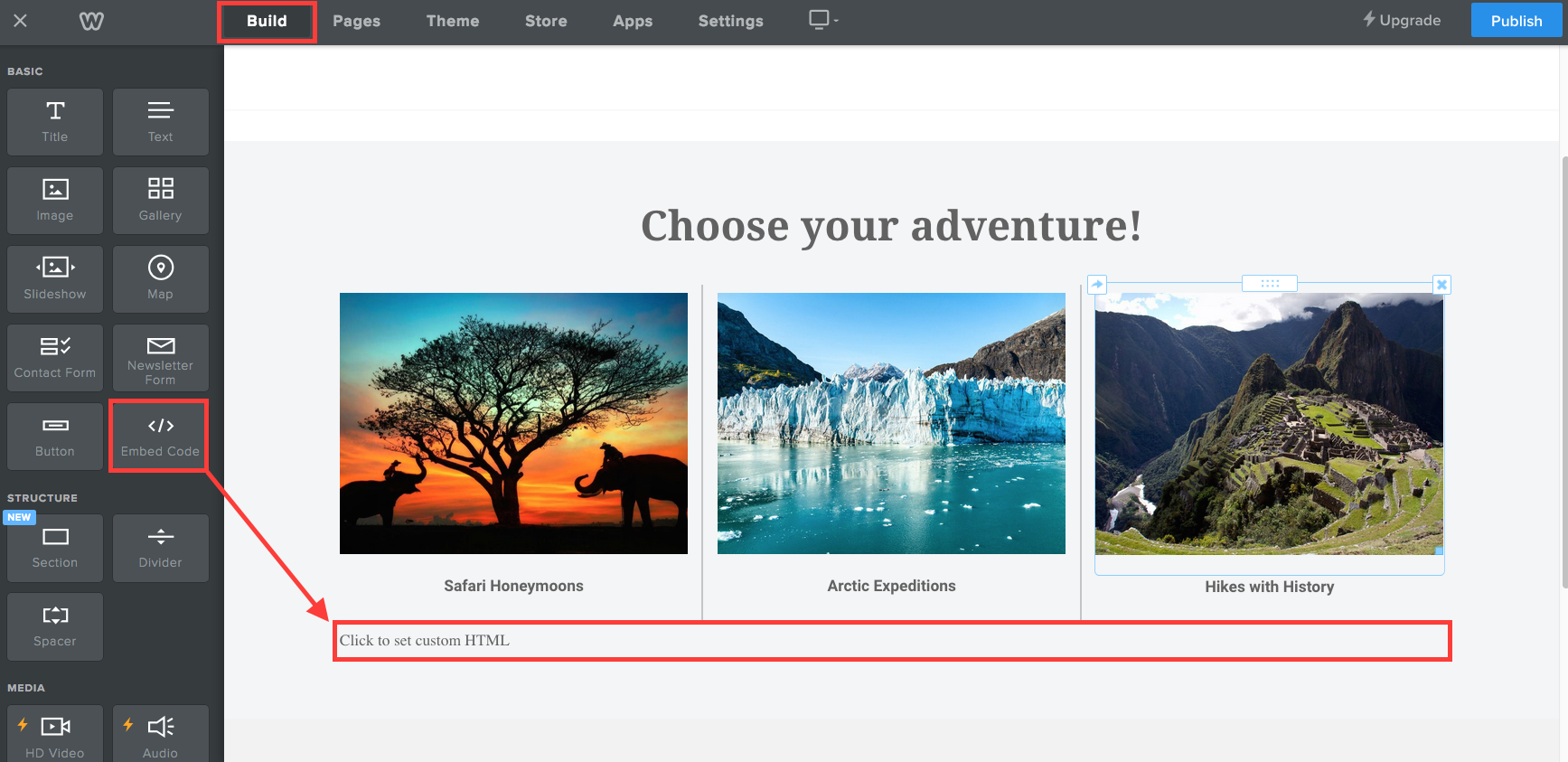
- Click on the BUILD tab in the navigational menu at the top of the page in grey.
- Add an embedded code element to the page in the site editor.
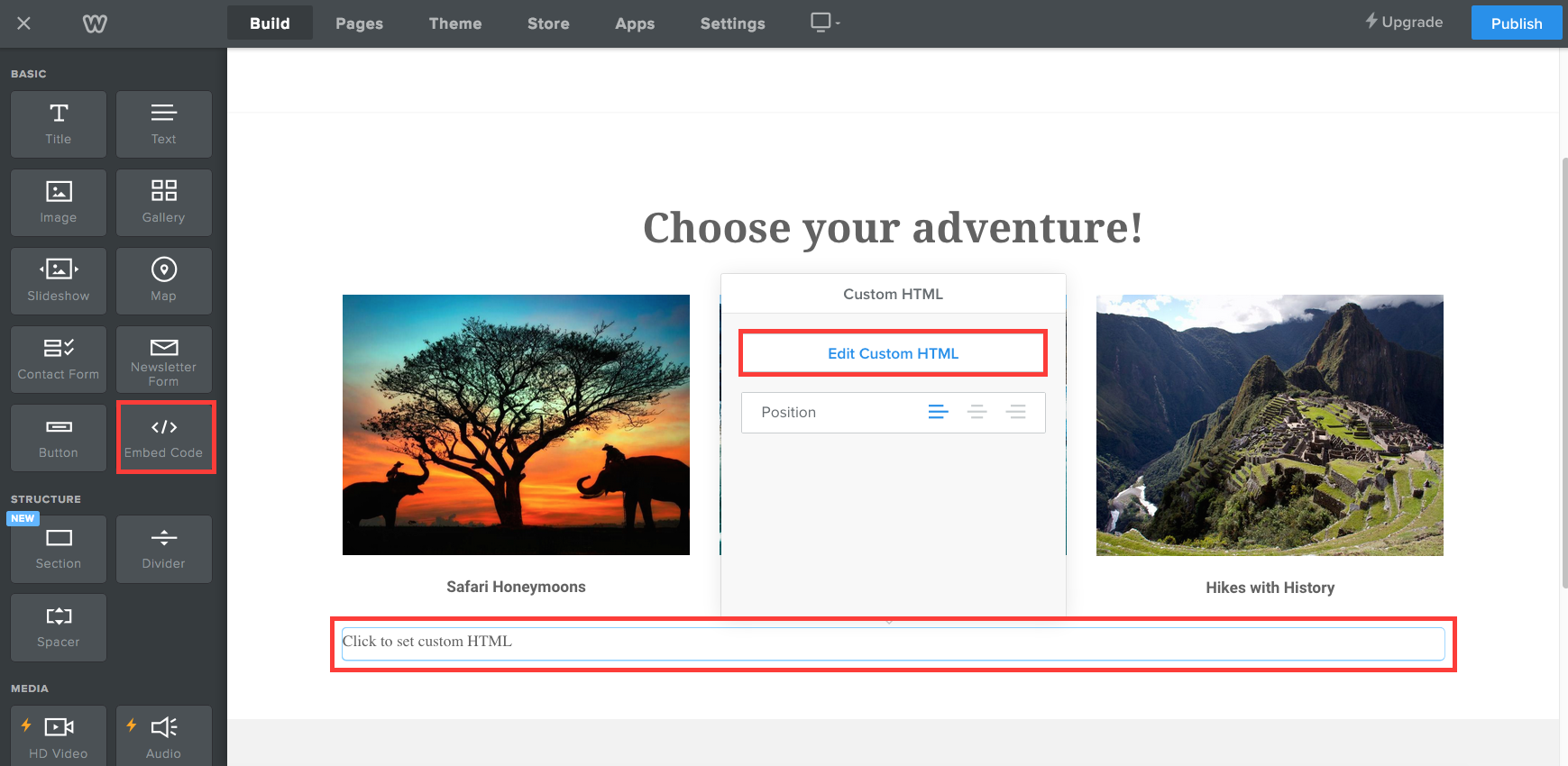
- You should then paste the iframe code into the element where it says Click to set custom HTML by clicking on Edit Custom HTML.
Comments
0 comments
Article is closed for comments.