
You can link your Google Analytics account to enrich your Social Media Manager reports with web data.
Steps to integrate Google Analytics:
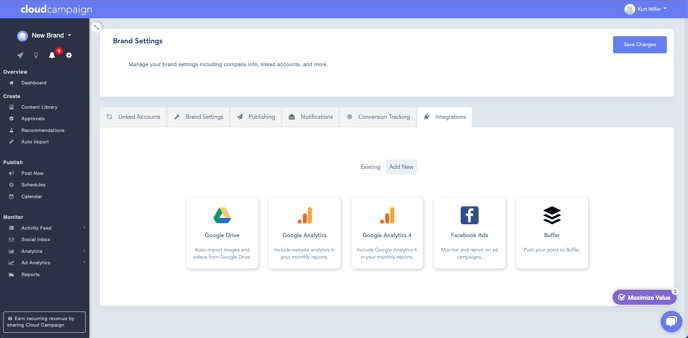
Navigate To Brand Settings
Click on Integrations
Click on Add New
Click on Google Analytics
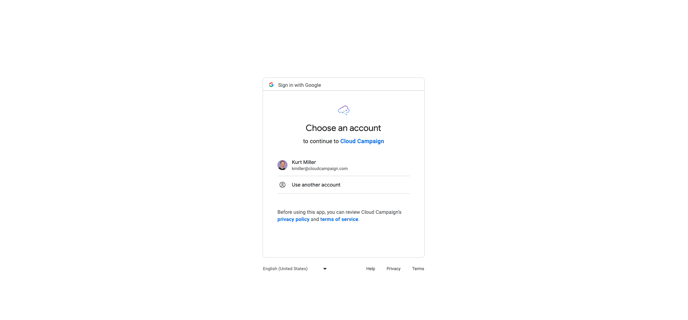
Click on the account associated with the Google Analytics account you would like to add
Click "Continue" to link your GA 4 account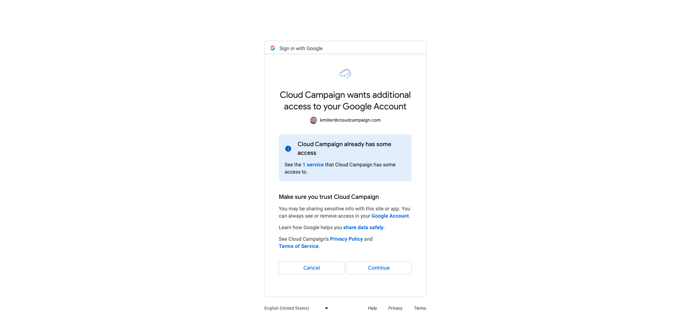
Now that your account is linked, it will look something like this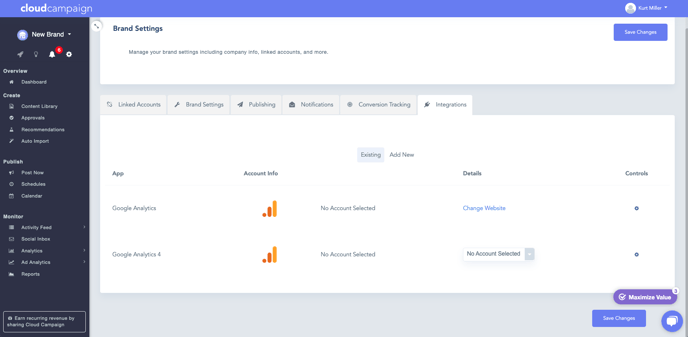
Click the link displaying "Change Website" to choose the Google Analytics property you'd like to include for this brand workspace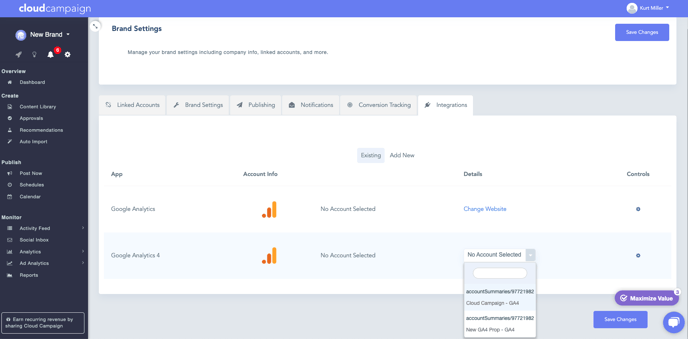
Now hit 'Save Changes' and you're ready to add your Google Analytics to your Social Media Manager reports!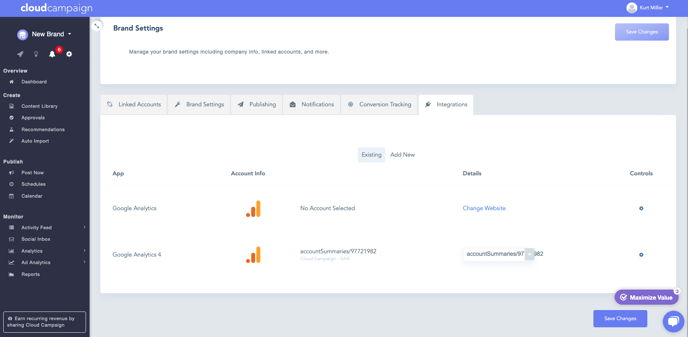
Adding Google Analytics to your report
Navigate to the Reports section and click on New Report
Click on Toggle Advanced and Include Website Analytics
Here you will select the "GA4" option to add Google's analytics to your report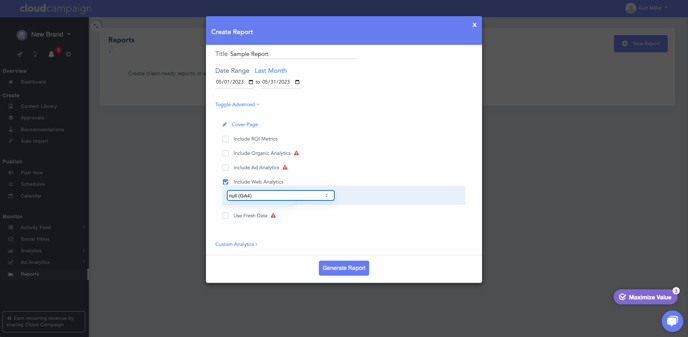
Comments
0 comments
Please sign in to leave a comment.