
Whether you're bolstering your SEO or tracing the site traffic brought in by our Social Media Manager, the My Sites/Stats page included in your website is an incredible tool!
When you log in to your Site Editor you'll see this page:
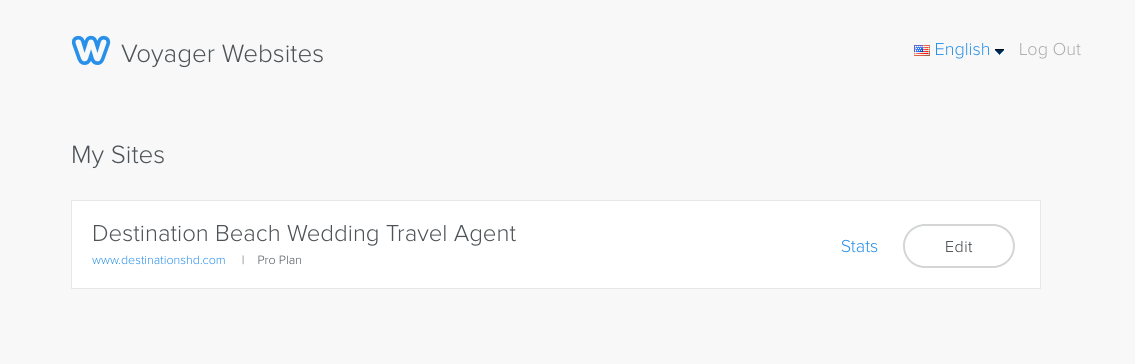
If you don't see the above page and you are sent directly to your Site Editor, click on the X in the upper lefthand corner of the screen to get back to the My Sites/Stats page.

If you select "Stats" you will come to this screen:
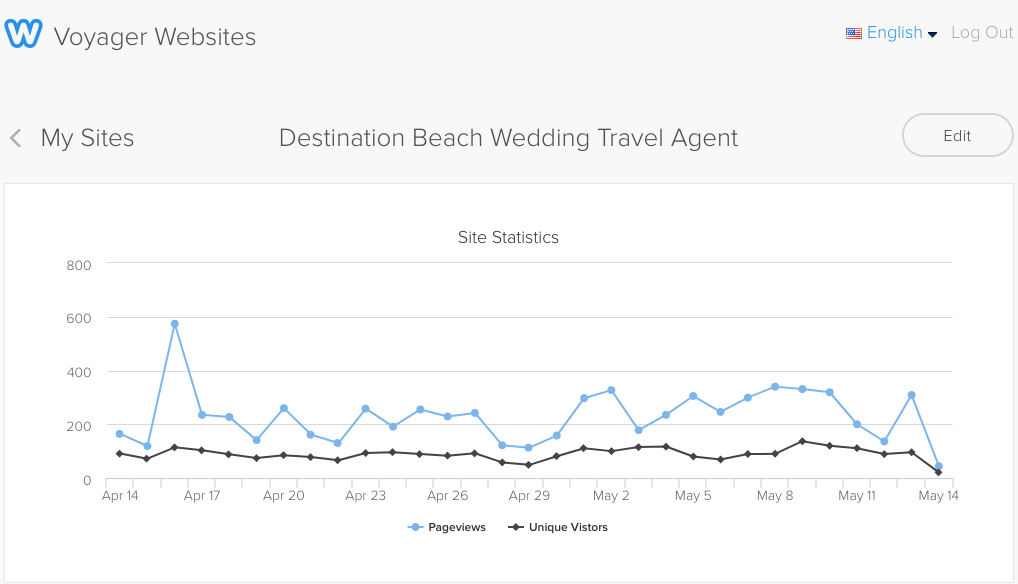
Unique Visitors indicates how many individuals visited your site while Page views shows you how many pages those individuals clicked on and checked out.
Below the Stats chart you will find a helpful breakdown of where your site traffic came from:
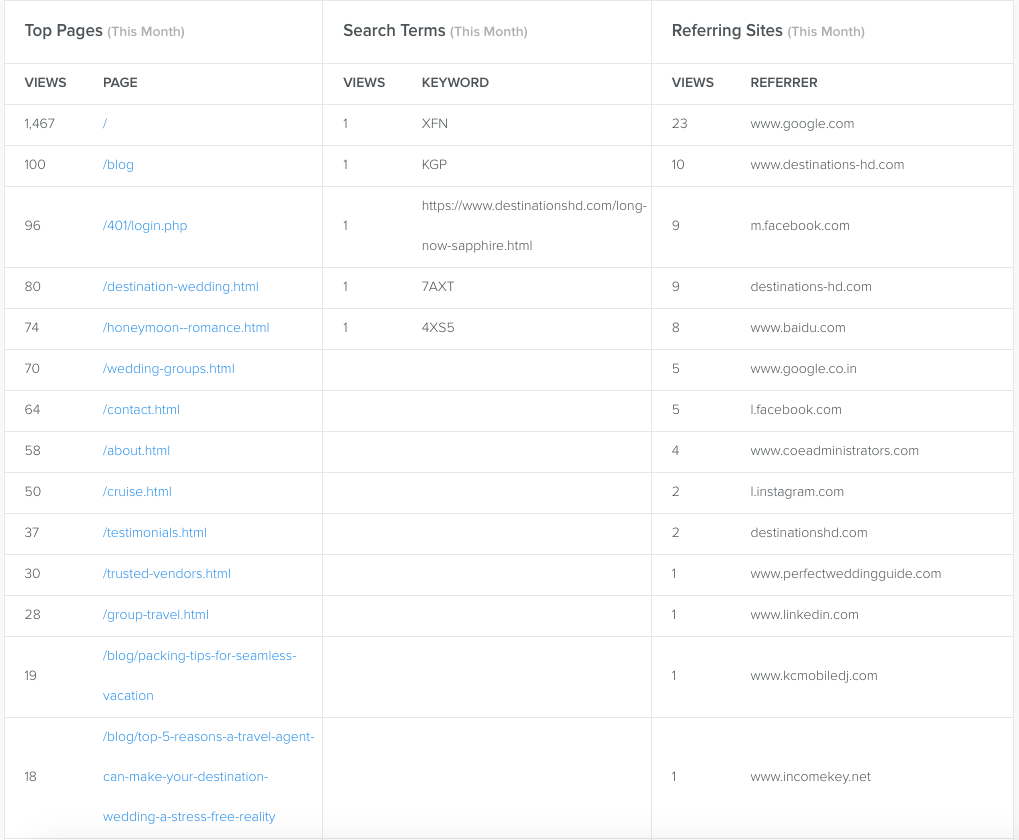
This lets you know if your SEO updates are getting your website more visitors or if that Facebook post successfully brought in more potential clients. Here is where you can analyze your site traffic and gauge what features are drawing them in and turning visitors into customers.
Comments
0 comments
Article is closed for comments.